Match
Confirm product family, exact optic, stated luminous flux and file revision before using photometric data. A related family file may look plausible while producing the wrong distribution.

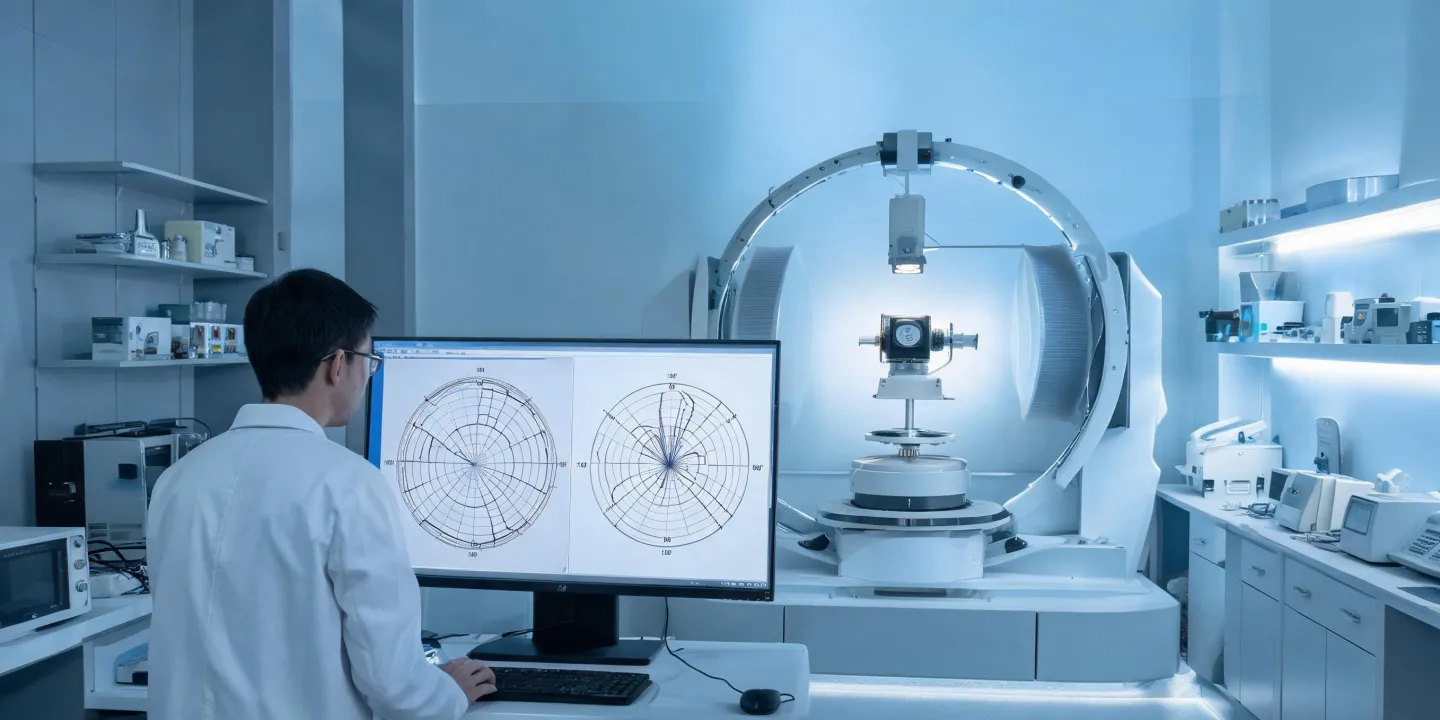
Photometric Resources
IES and LDT files describe distribution for a tested luminaire configuration. This resource center shows what to verify before importing, comparing or issuing a calculation.
A credible lighting model is traceable from file header to optic, lumen package, CCT, driver and mounting condition.
Confirm product family, exact optic, stated luminous flux and file revision before using photometric data. A related family file may look plausible while producing the wrong distribution.
Record software version, geometry, reflectance, calculation plane, light-loss factor and scene assumptions so another reviewer can reproduce the result.
Keep photometry separate from claims it cannot prove. An IES or LDT file does not establish driver compatibility, IP rating, emergency behavior, warranty or regional certification.
Use these as a review sequence, not as universal product claims. Close every item against the current Opple documentation for the selected configuration.
Use available test documentation to understand the complete luminaire measurement basis; do not invent report numbers or extend results to another configuration.
Source maintenance data and projection methods inform lumen-maintenance discussion, but they are not identical to complete luminaire life or warranty.
Confirm which mark or declaration applies to the selected product and geography. The configured list is a routing aid, not blanket certification.
Send the product family, optic, output, CCT and calculation workflow. We will help route the request to the files and product evidence relevant to that review.